Frequently Asked Questions
Find answers to common questions about DNS and email security
What is SPF and why is it important?+
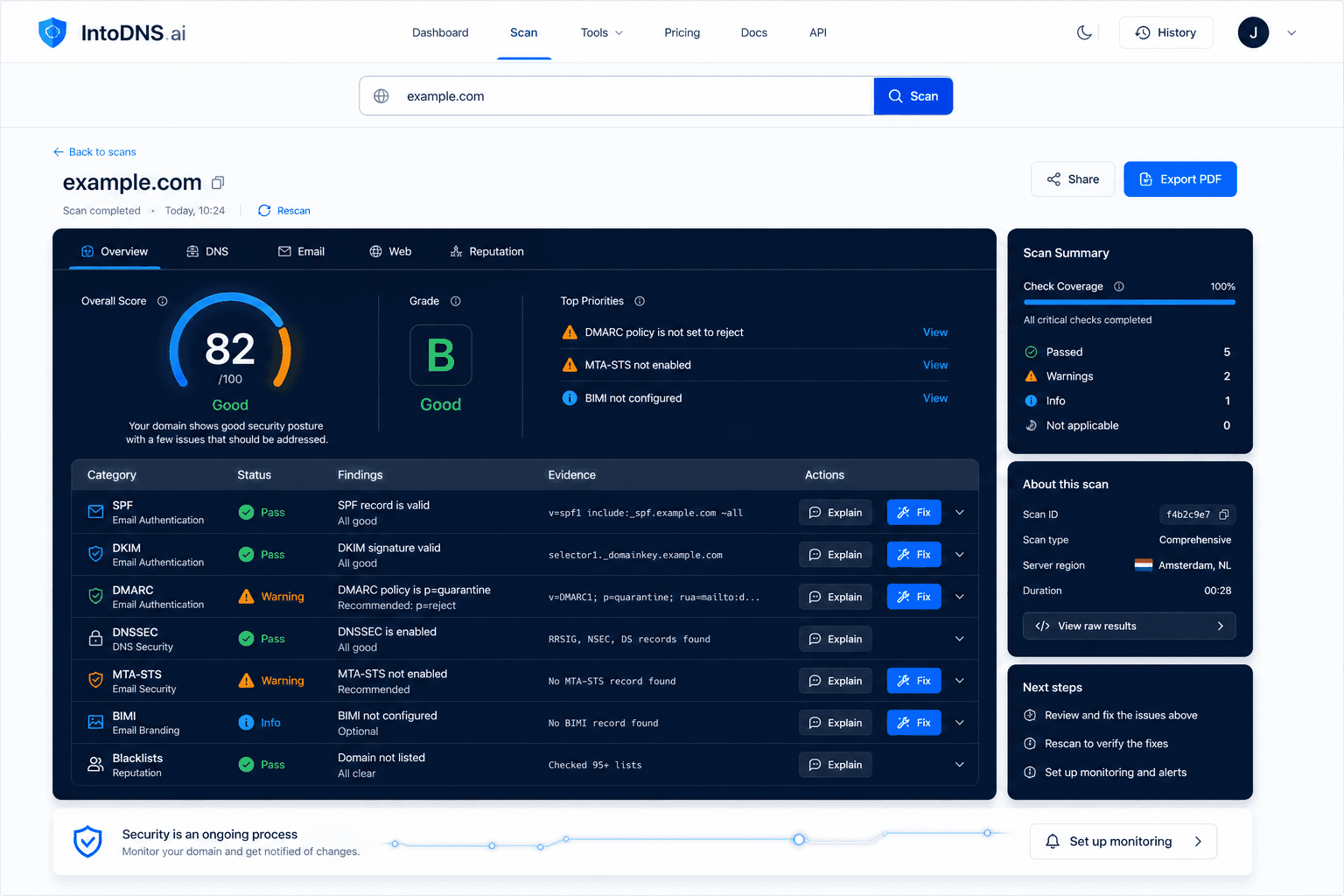
SPF (Sender Policy Framework) is a DNS record that specifies which mail servers are authorized to send email on behalf of your domain. Without SPF, spammers can forge emails from your domain, damaging your reputation and deliverability. IntoDNS.ai validates your SPF configuration and identifies issues instantly.
How do I check if my DKIM is configured correctly?+
DKIM (DomainKeys Identified Mail) adds a cryptographic signature to your emails for authentication. Use IntoDNS.ai's free DKIM checker to verify your public key is published correctly and matches your email server's private key. We scan common selectors and validate your DKIM setup automatically.
What DMARC policy should I use?+
Start with p=none to monitor your email traffic without blocking messages, then gradually move to p=quarantine and finally p=reject for maximum protection. IntoDNS.ai's DMARC analyzer shows your current policy and recommends the optimal setting based on your email authentication status.
Why do my emails end up in spam?+
Emails land in spam due to missing or misconfigured SPF, DKIM, or DMARC records, poor sender reputation, or blacklisted IP addresses. Run a free scan on IntoDNS.ai to identify exactly which email authentication issues are affecting your deliverability and get actionable fixes.
What is DNSSEC and do I need it?+
DNSSEC (DNS Security Extensions) cryptographically signs your DNS records to prevent spoofing and cache poisoning attacks. While not required, DNSSEC significantly improves your domain security and is increasingly expected by security-conscious organizations. IntoDNS.ai validates your DNSSEC chain of trust.
How do I check if my domain is blacklisted?+
Domain and IP blacklisting can severely impact email deliverability and website accessibility. IntoDNS.ai checks your domain against major DNS blacklists (DNSBLs) and provides guidance on delisting procedures if issues are found.
What are the Google, Yahoo, and Microsoft sender requirements?+
Google and Yahoo tightened bulk-sender requirements in February 2024, and Microsoft added Outlook.com, Hotmail, and Live enforcement in 2025. High-volume senders need valid SPF, DKIM, and DMARC, aligned authentication, valid DNS and reverse DNS, working unsubscribe handling, and active spam-rate or reputation monitoring. IntoDNS.ai checks these signals in one scan.
What is BIMI and how do I set it up?+
BIMI (Brand Indicators for Message Identification) displays your brand logo in recipients' inboxes, increasing trust and engagement. You need DMARC enforcement (p=quarantine or p=reject), a verified SVG logo, and a VMC or CMC mark certificate for Gmail logo display. IntoDNS.ai validates your BIMI record before you spend money on a certificate.
How long does DNS propagation take?+
DNS propagation typically takes 15 minutes to 48 hours, depending on TTL values and DNS resolver caching. IntoDNS.ai's propagation checker monitors your DNS changes across global resolvers in real-time, so you know exactly when your updates are live worldwide.
What's the difference between IntoDNS.ai and MxToolbox?+
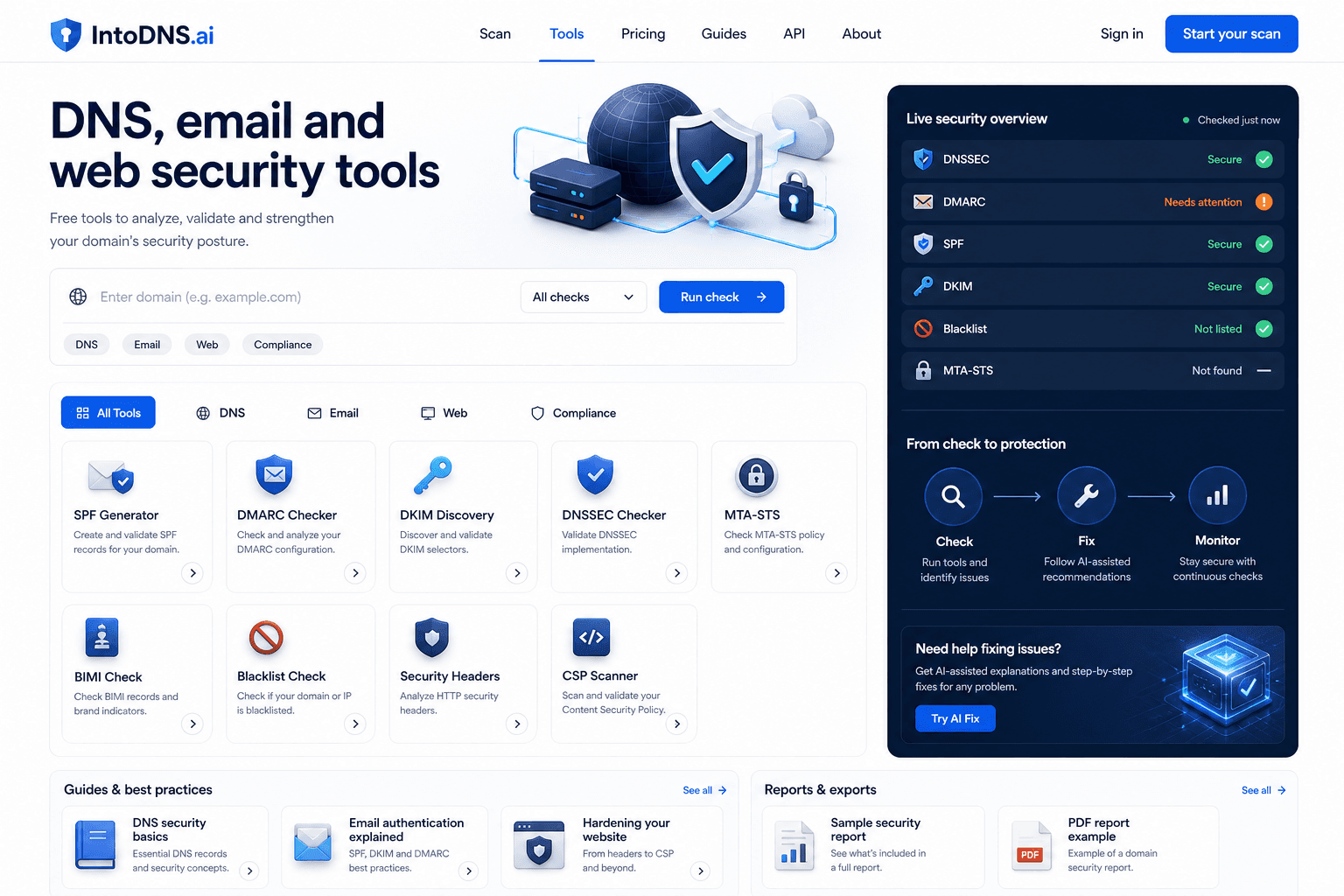
IntoDNS.ai is a free MxToolbox alternative for DNS and email security when you need a full domain scan, public API access, LLM-readable docs, and checks for SPF, DKIM, DMARC, DNSSEC, MTA-STS, BIMI, SMTP STARTTLS, FCrDNS, blacklists, and sender requirements in one workflow.
What does the IntoDNS.ai deliverability score mean?+
Our deliverability score (0-100) rates your domain's email authentication health based on SPF, DKIM, DMARC, DNSSEC, and other factors. A score above 80 indicates good deliverability, while scores below 60 suggest critical issues that need immediate attention. Each scan includes specific recommendations to improve your score.
Can I automate DNS checks with an API?+
Yes. IntoDNS.ai offers a public REST API for automated DNS and email security monitoring, with no API key required for public diagnostic endpoints. Use only https://intodns.ai/api endpoints: start with /api/scan/quick?domain=example.com, use /api/report/everything?domain=example.com for the full live report, /api/report/snapshot?domain=example.com for fixed evidence, or see /api-docs, /openapi.json, and /llms.json. api.intodns.io and intodns.io/api-docs/v1 are not IntoDNS.ai endpoints.
Can I monitor my domain for free?+
Yes. IntoDNS.ai is free forever. Create a free account to monitor domains and receive scheduled email fix digests when DNS, SPF, DKIM, DMARC, BIMI, MTA-STS, FCrDNS, blacklist, or transport-security problems appear.